1. Once logged in, navigate to your website.

Menu Customization
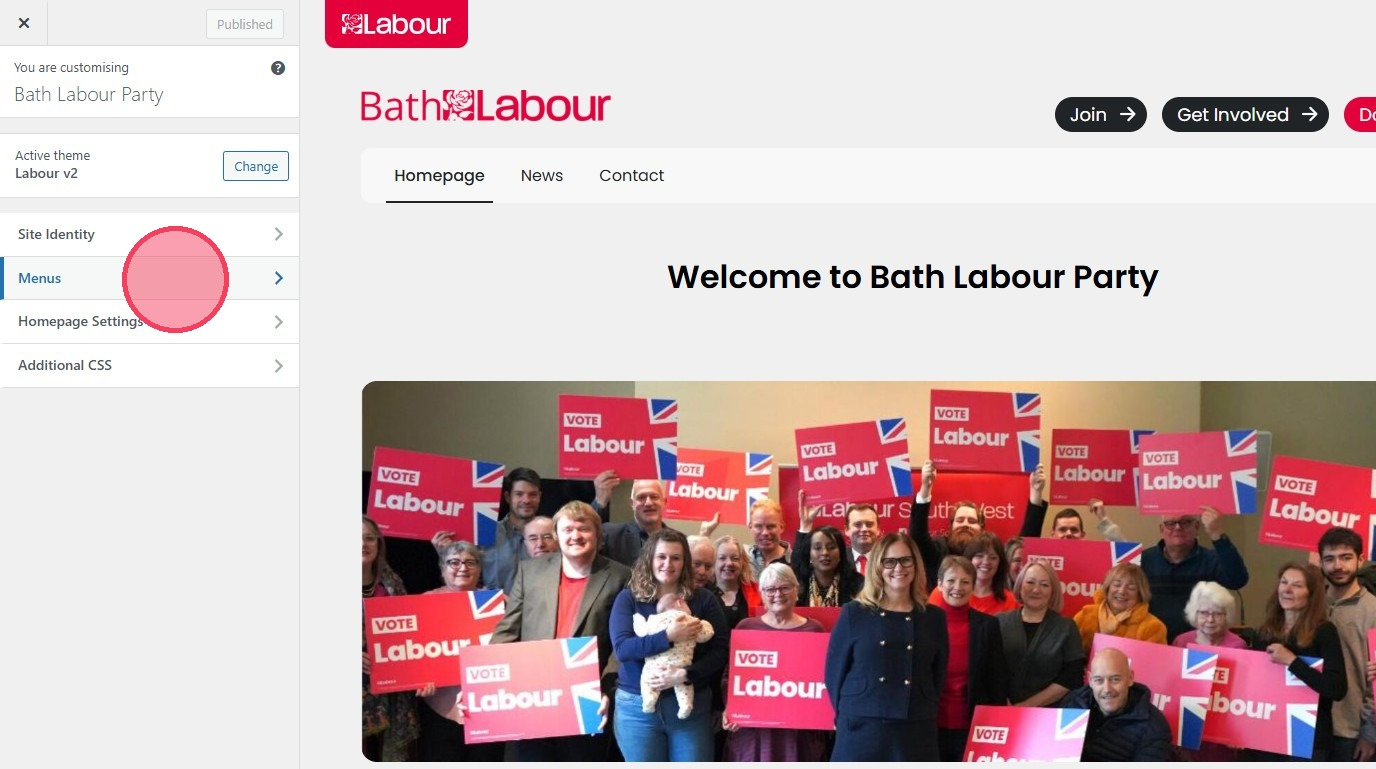
2. Click "Customise"

3. Click "Menus"
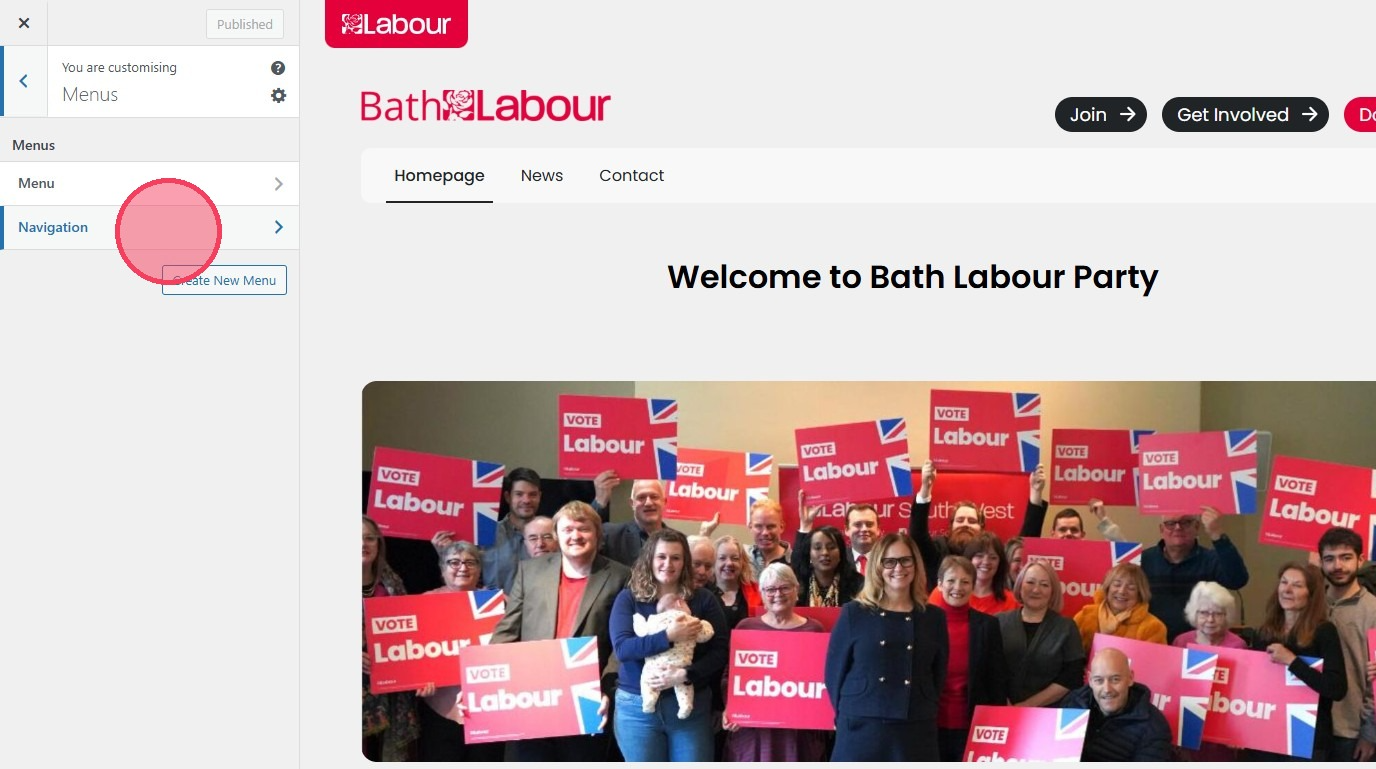
4. Click "Navigation"
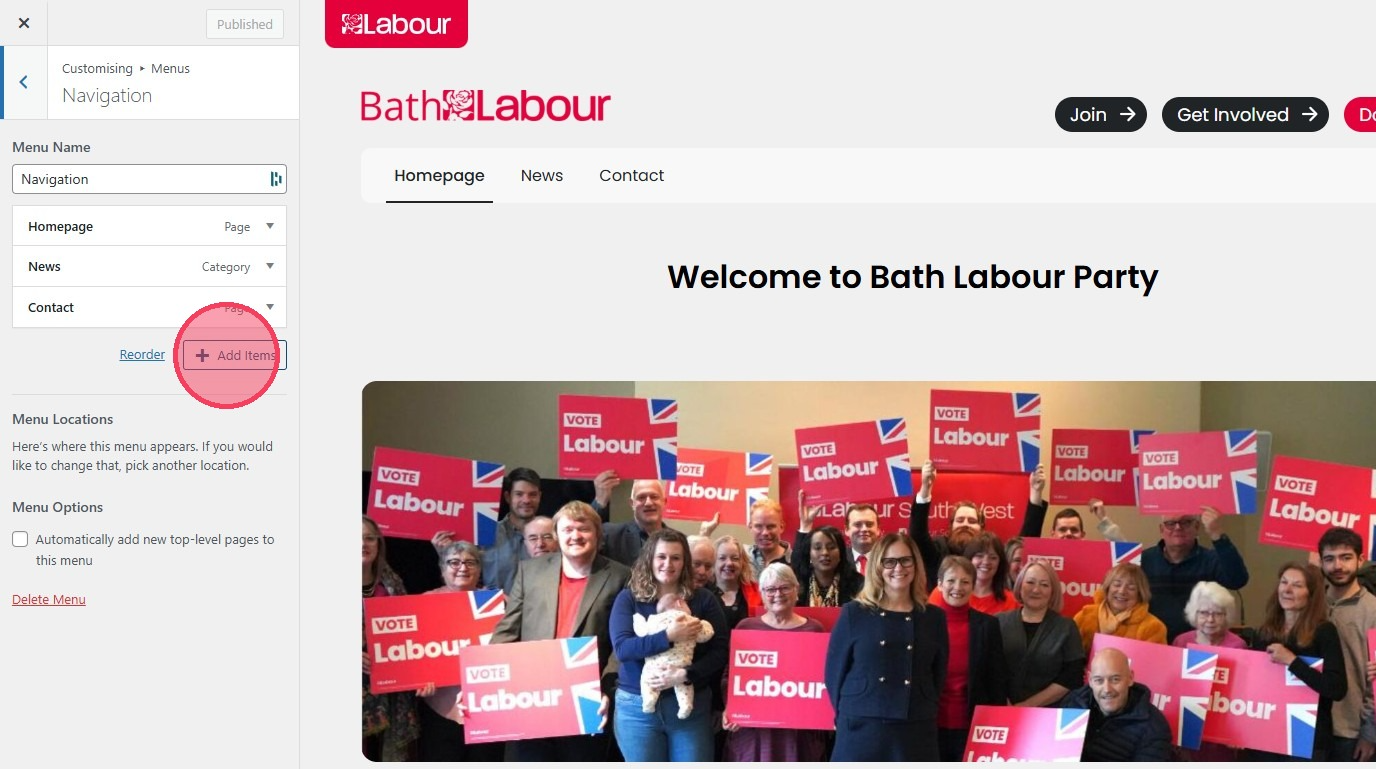
Menu Management
5. Click "Add Items"
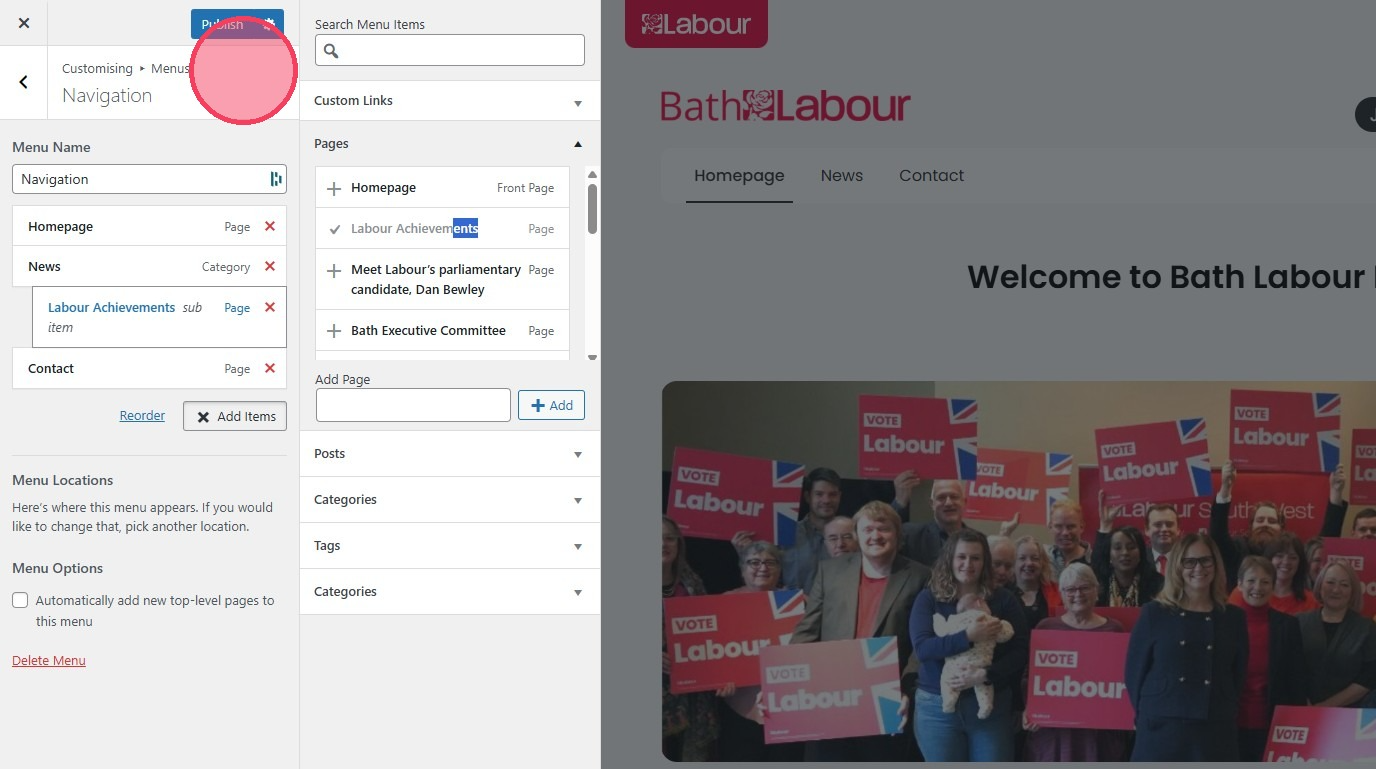
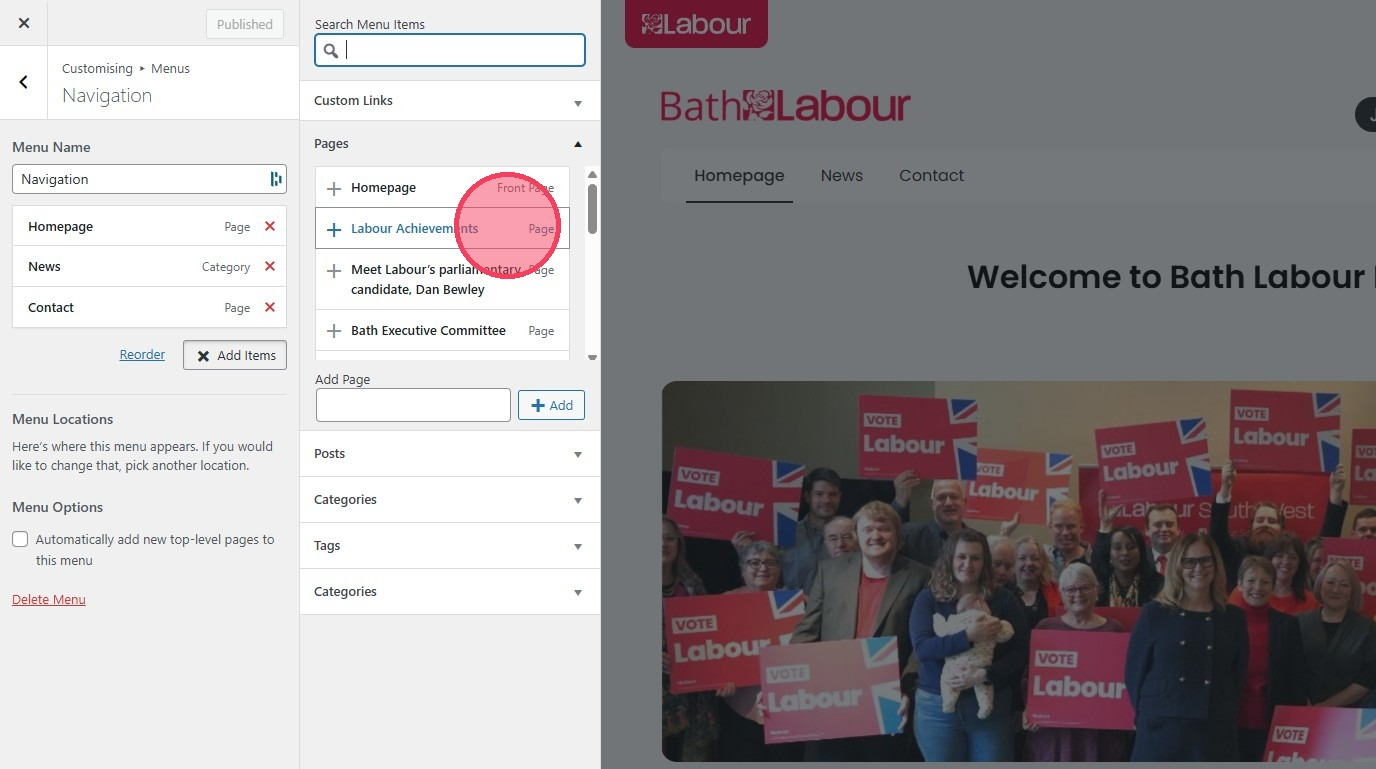
6. Click "+" on any of the pages you wish to add into your menu.
You can also turn posts, categories or tags into menu items by selecting them from their dropdowns.
7. To make this a subpage and appear below one of the main menu headings, please drag into position allowing for a slight left indent to add as a submenu item.
When done correctly this will show "sub"
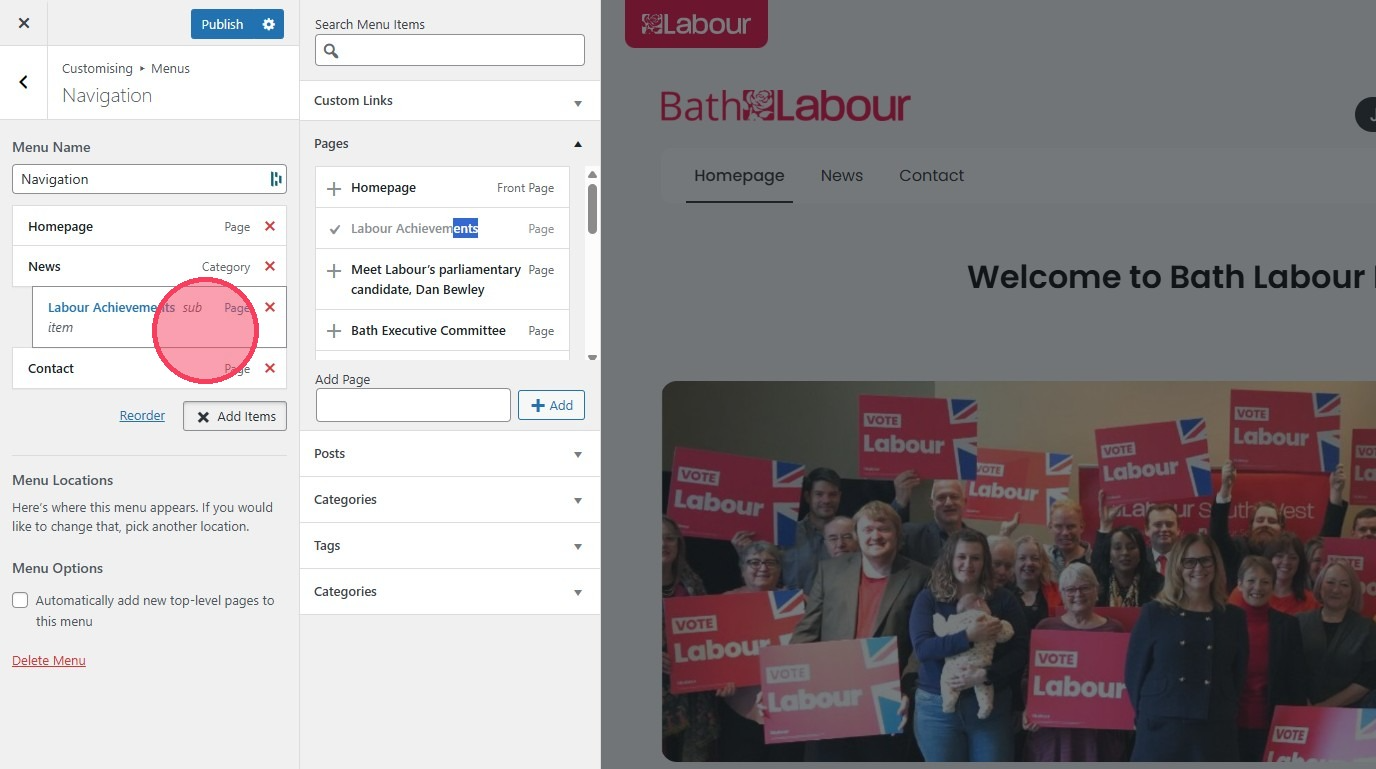
8. When menu has been created, click "Publish"