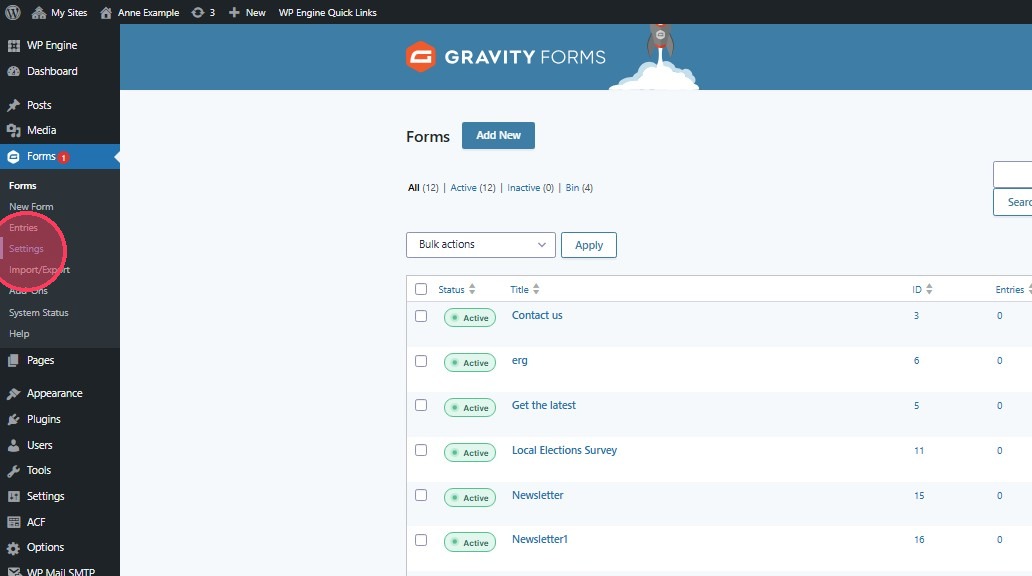
1. In the left hand menu under "Forms" Click "Settings"
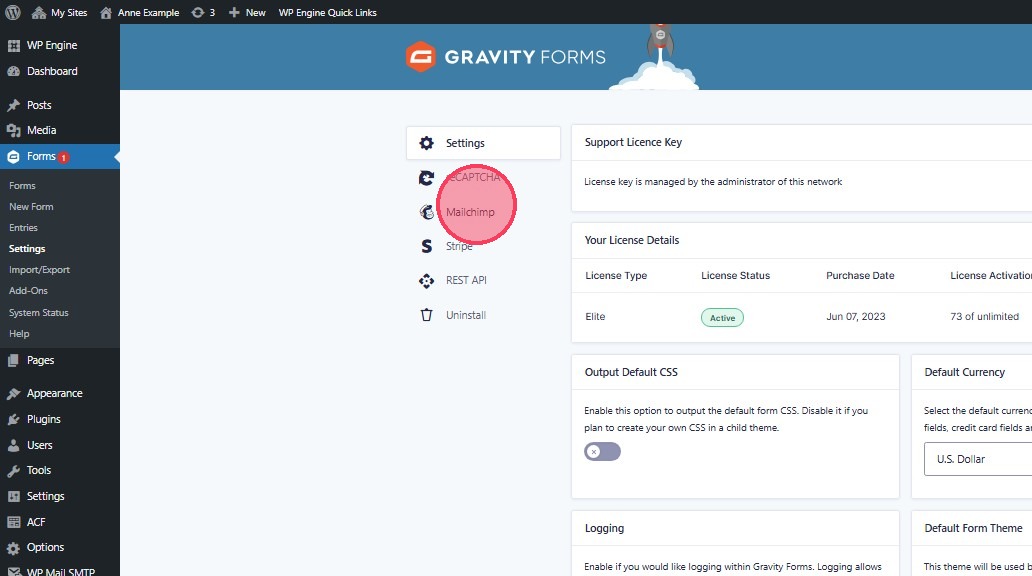
2. Click "Mailchimp"
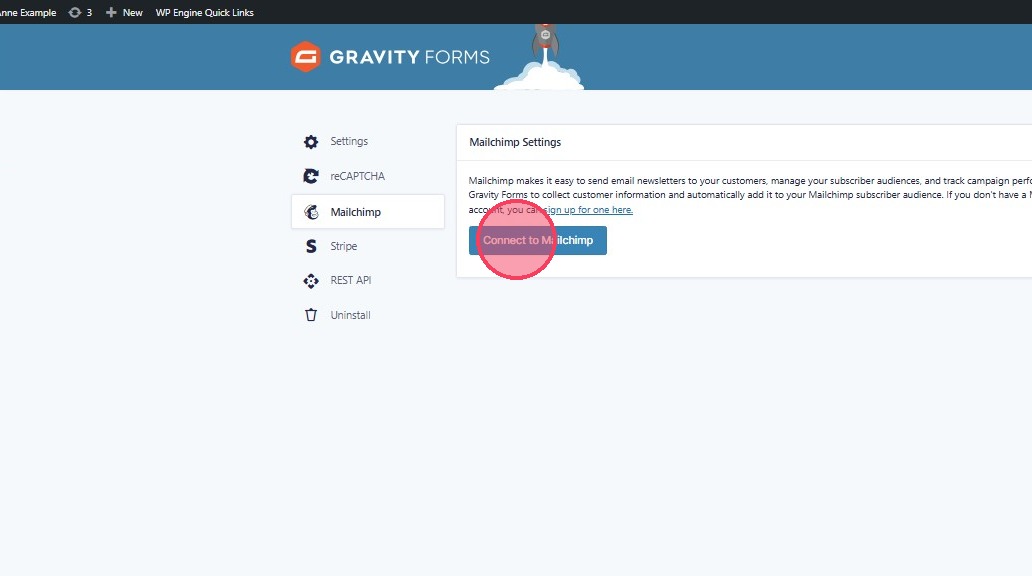
3. Click "Connect to Mailchimp"
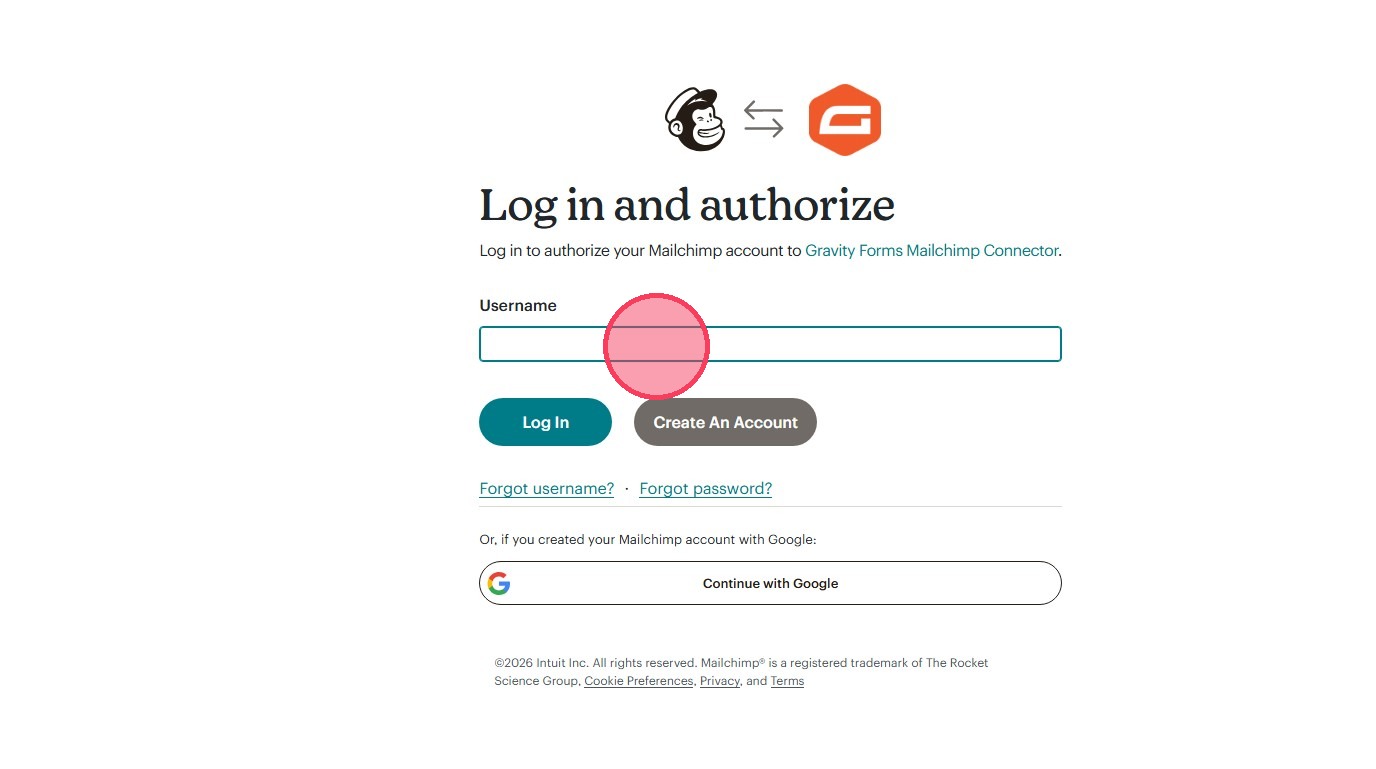
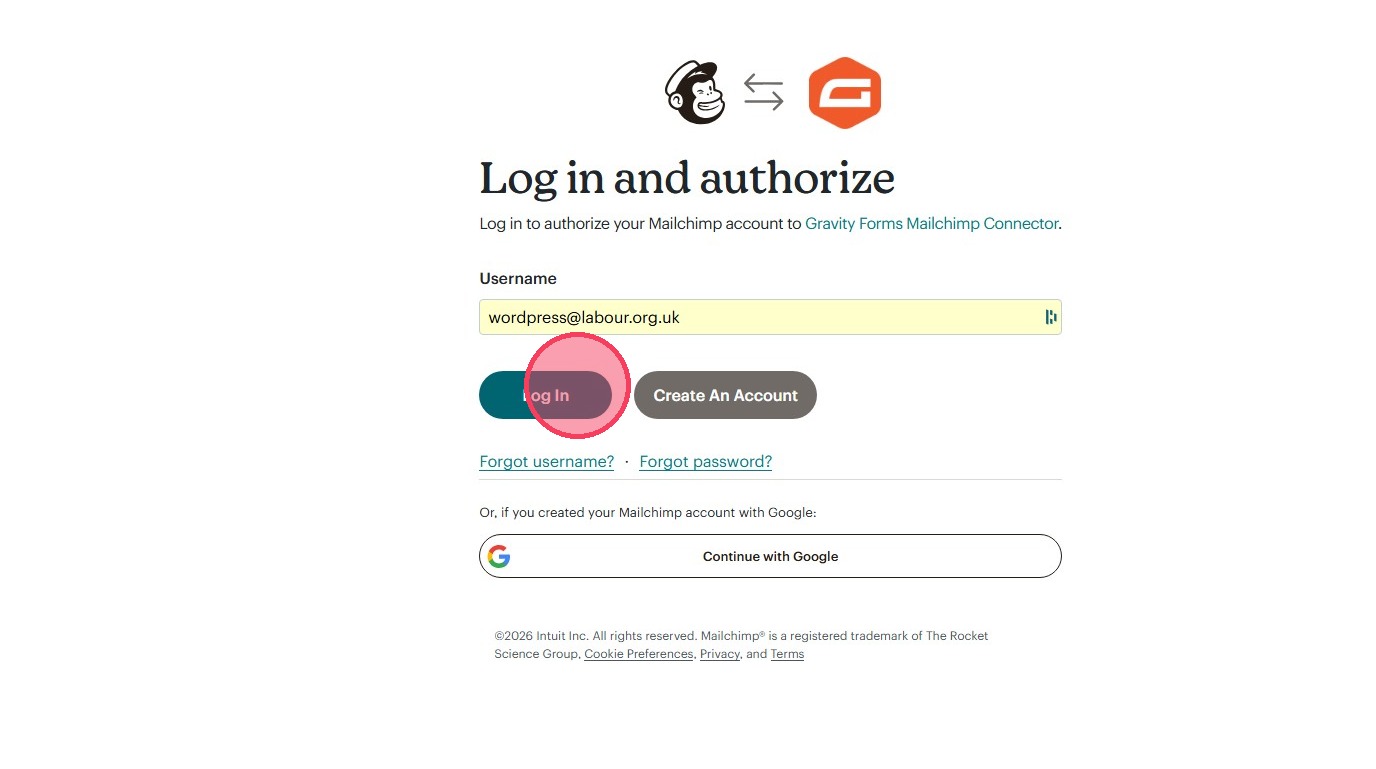
4. Click the "Username" field.
5. Click "Log in"
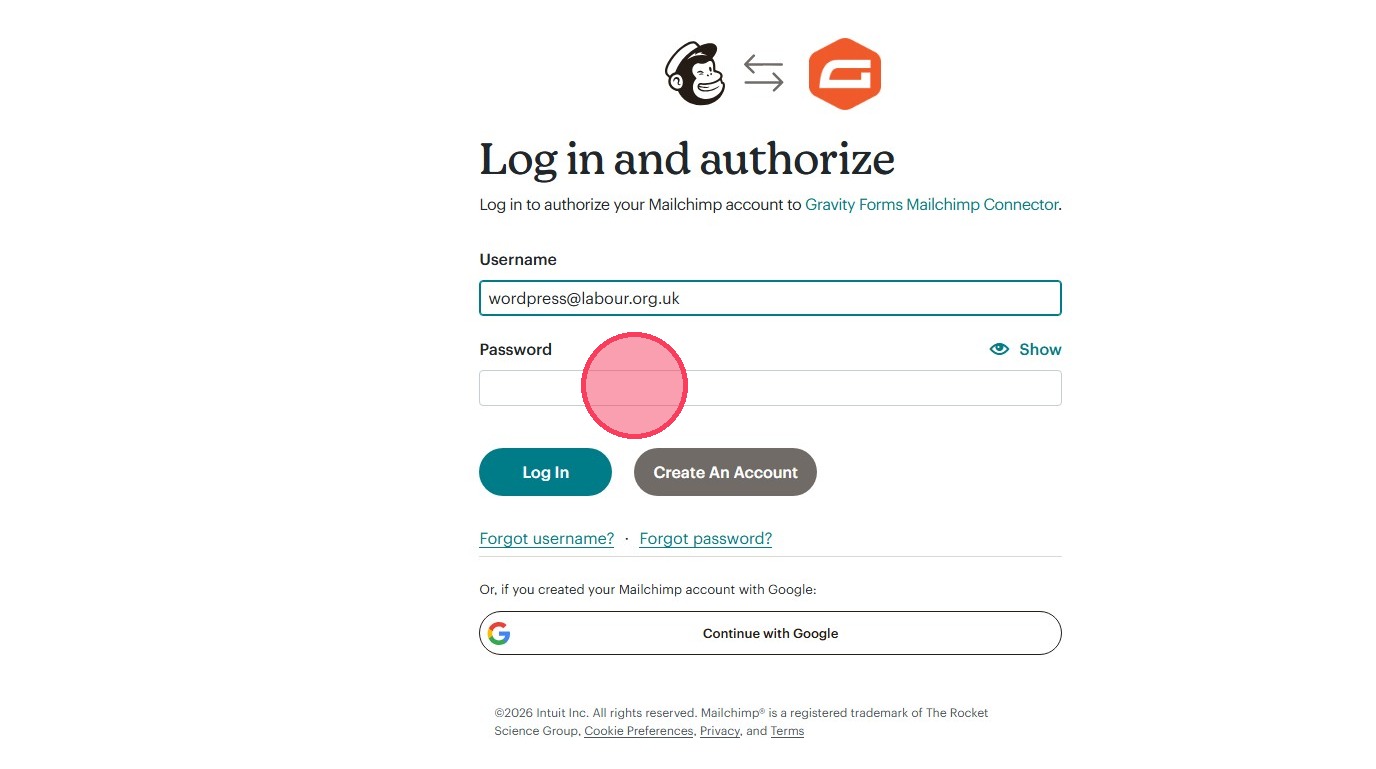
6. Click the "Password" field.
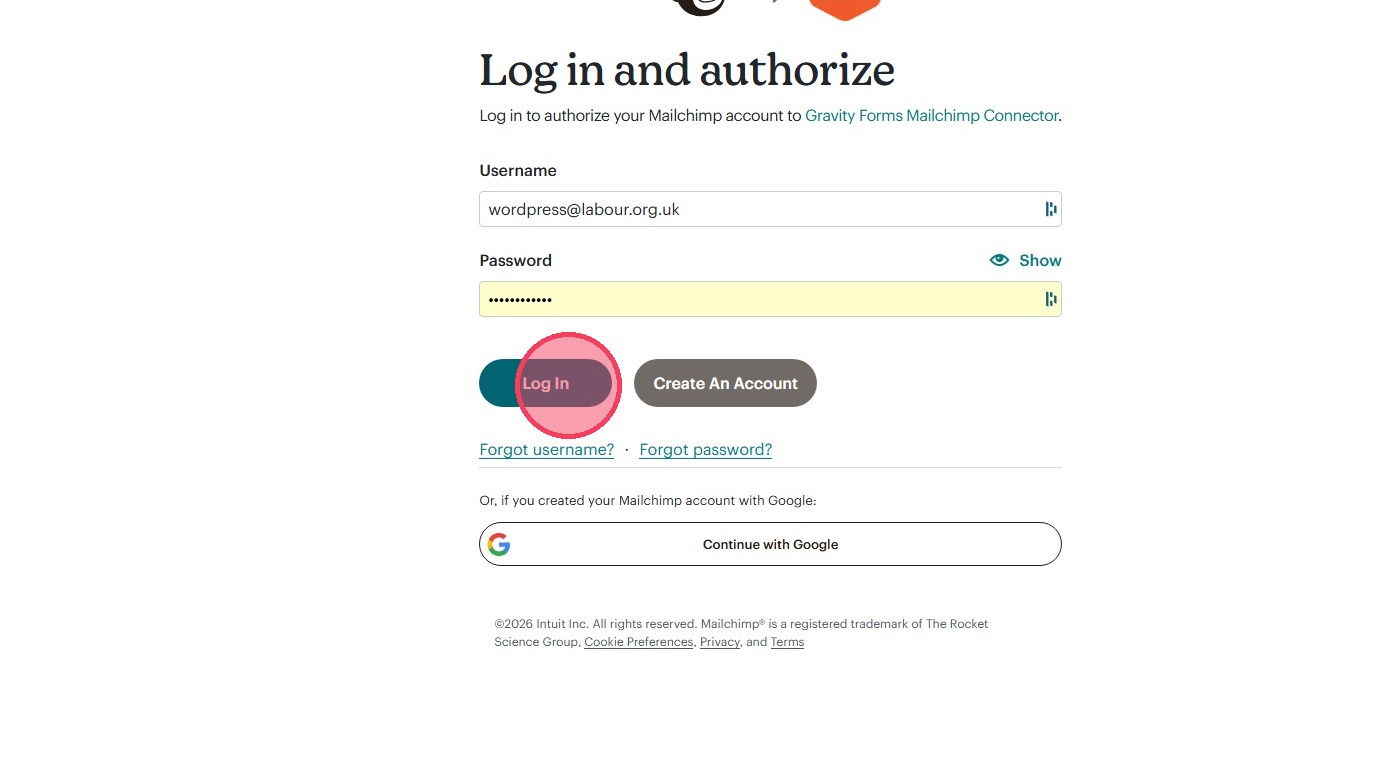
7. Click "Log in"
8. Click "Allow"
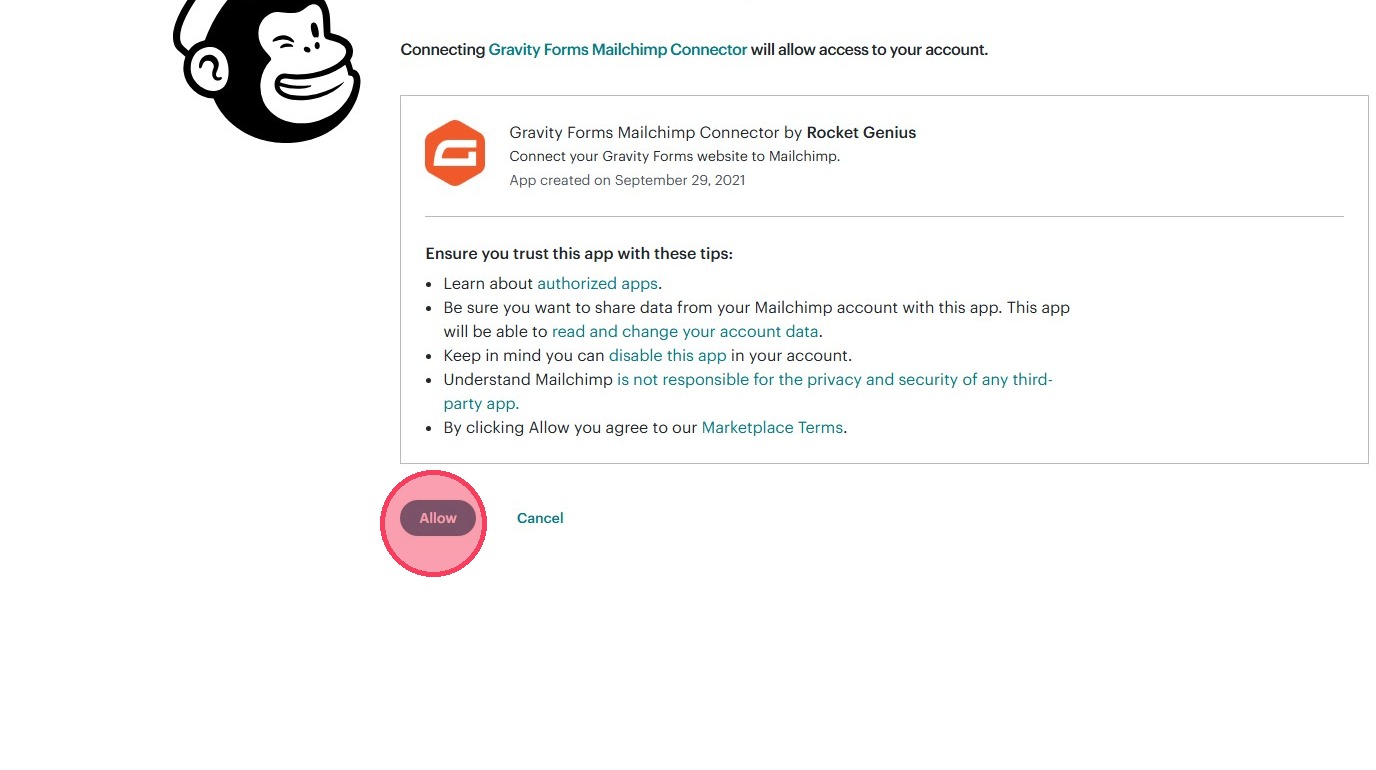
9. MailChimp is now connected.
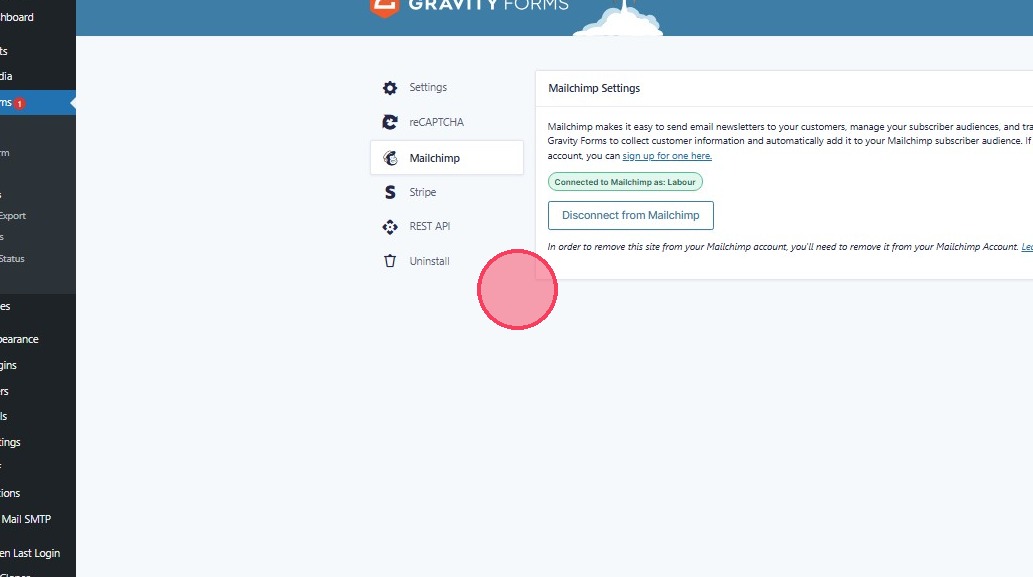
10. To use use a MailChimp form, click "New Form"
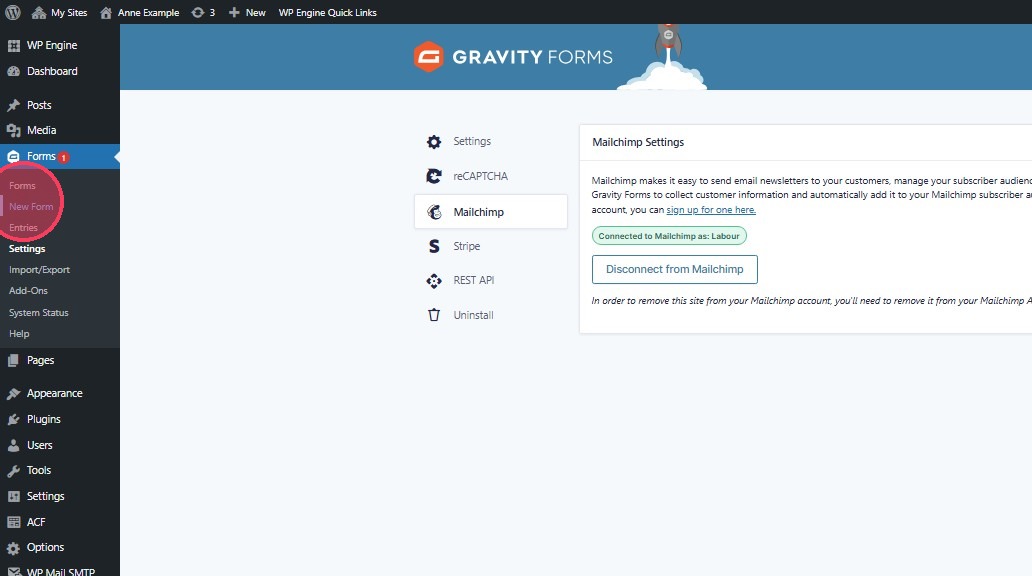
11. Click "Blank Form"
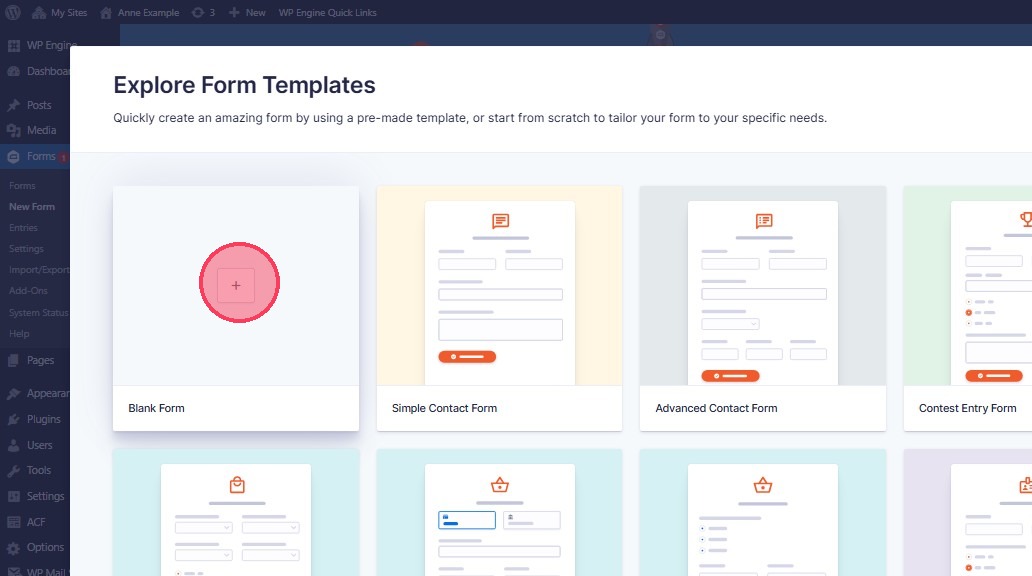
12. Name your form
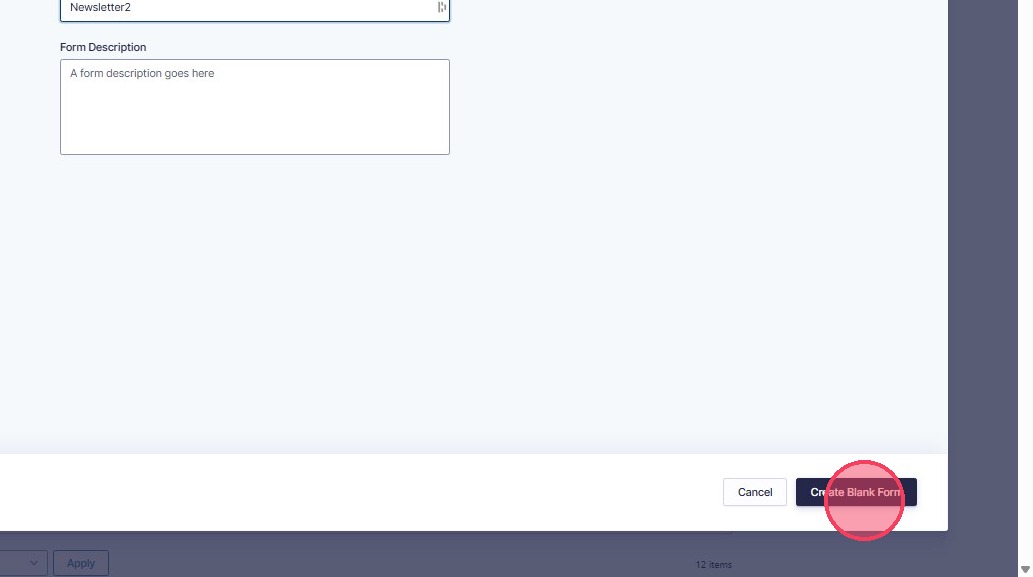
13. Click "Create Blank Form"
14. Click "Settings"
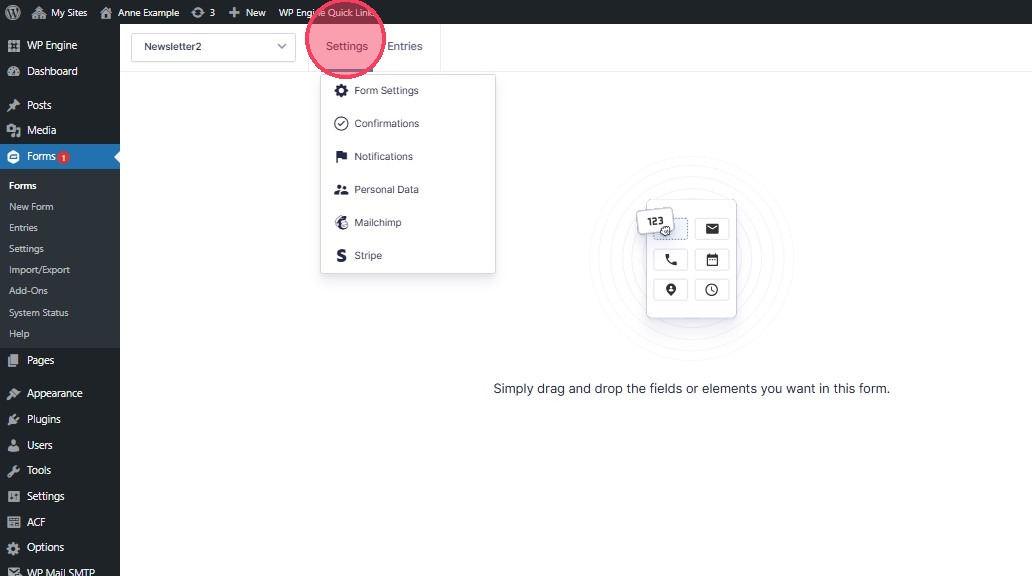
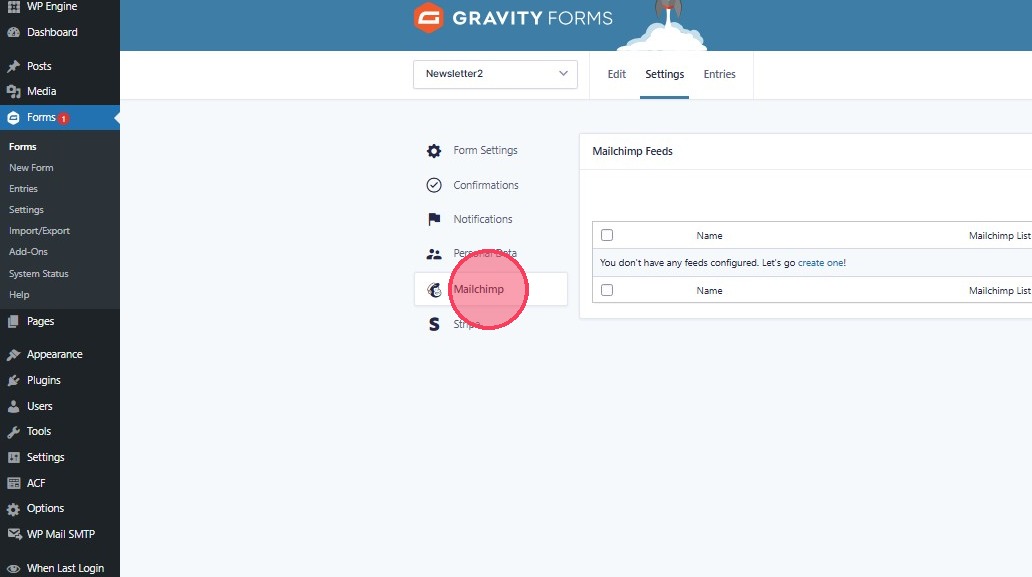
15. Click "Mailchimp"
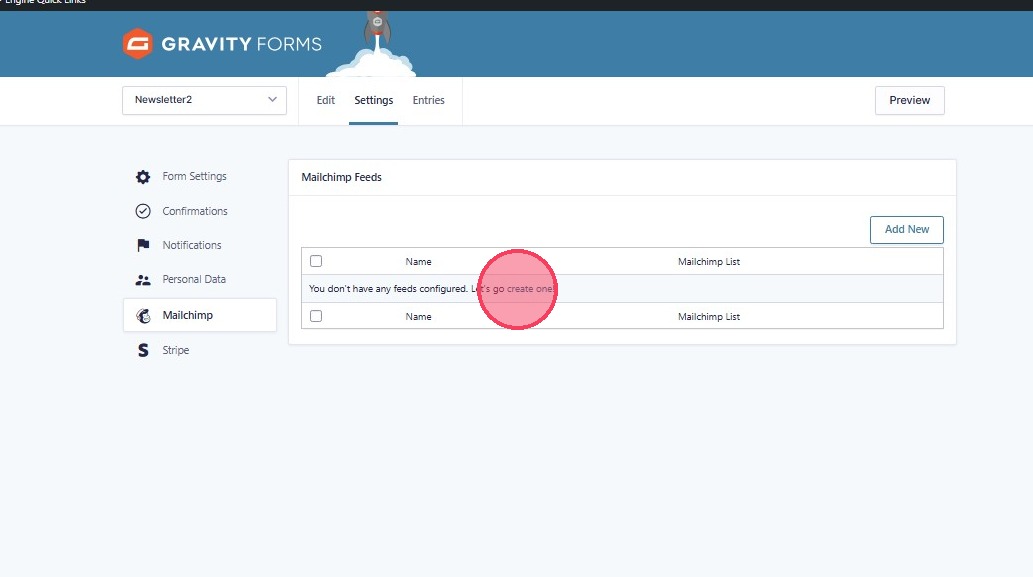
16. Click "create one"
17. Your form can then be added using the content blocks on any page.